
# User Management
User Management
In this tab, users with varying permissions can be added, edited or deleted to manage the gateway. The role comprises of System Admin, Admin and Operator.
- On a side note, the Super Admin is the default system admin of the gateway. It is not removable.
# Users
Navigation Menu
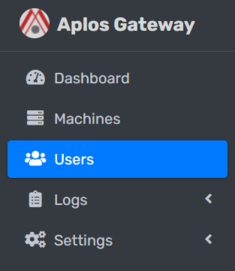
On the left sidebar, navigate Users.
# Add new User

- Locate Add new User button.
- It will open up a modal dialog.
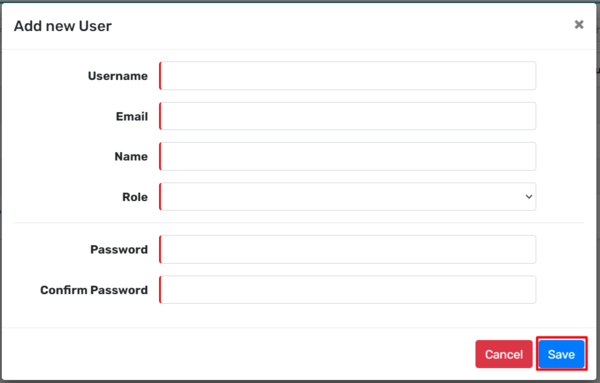
- Input Username, Email, Name, Role, Login Password and Confirm Password.
- After you have inputted all the required fields, save the information by clicking Save button.
# Edit User
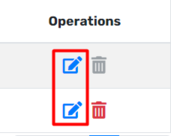
- Locate Edit icon.
- It will open up a modal dialog.
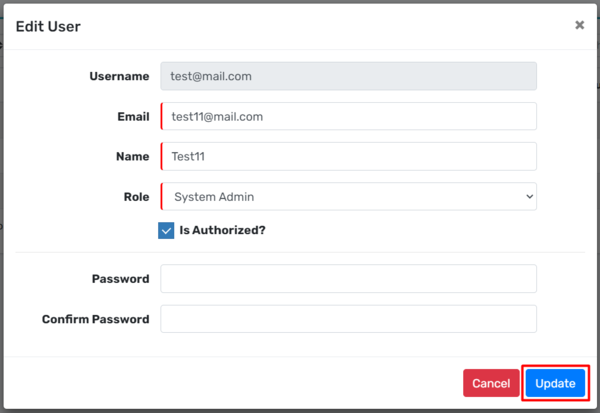
- You can change the information of Email, Name, Role.
- You can enable/disable the user by ticking the Is Authorized? checkbox.
- You can also change the Login Password. [Optional]
- Lastly, update the information by clicking the Update button.
# Delete User
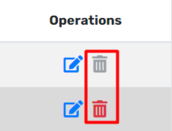
- Locate Delete icon.
- It will open up a modal dialog.
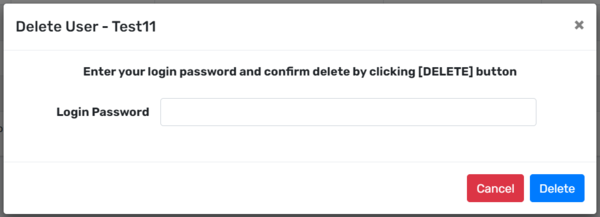
- Input correct Login Password.
- Delete the user by clicking Delete button.